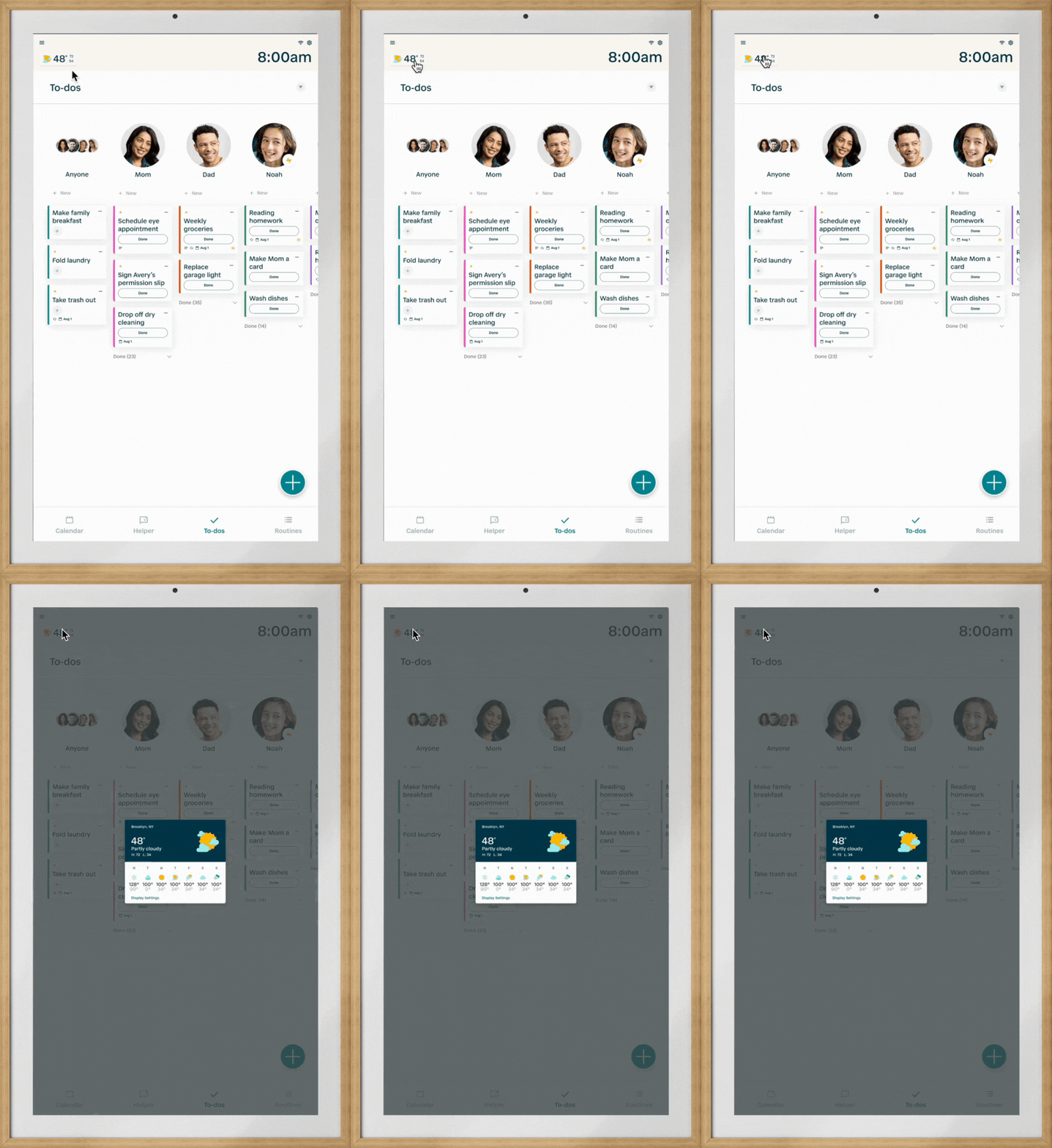
Q: How can I see the weather on my Hearth Display?
To view the weather on your Hearth Display, you will need to input your location to ensure the most accurate weather. To add your location, tap on the weather widget on the top left-hand side of your Hearth Display. From here, simply tap on the “Display Settings” button on the bottom right-hand corner of the weather window that appears. Here, you can add your location, select your desired temperature scale, and toggle the weather widget on/off on both your Hearth Display’s header and Privacy Mode.
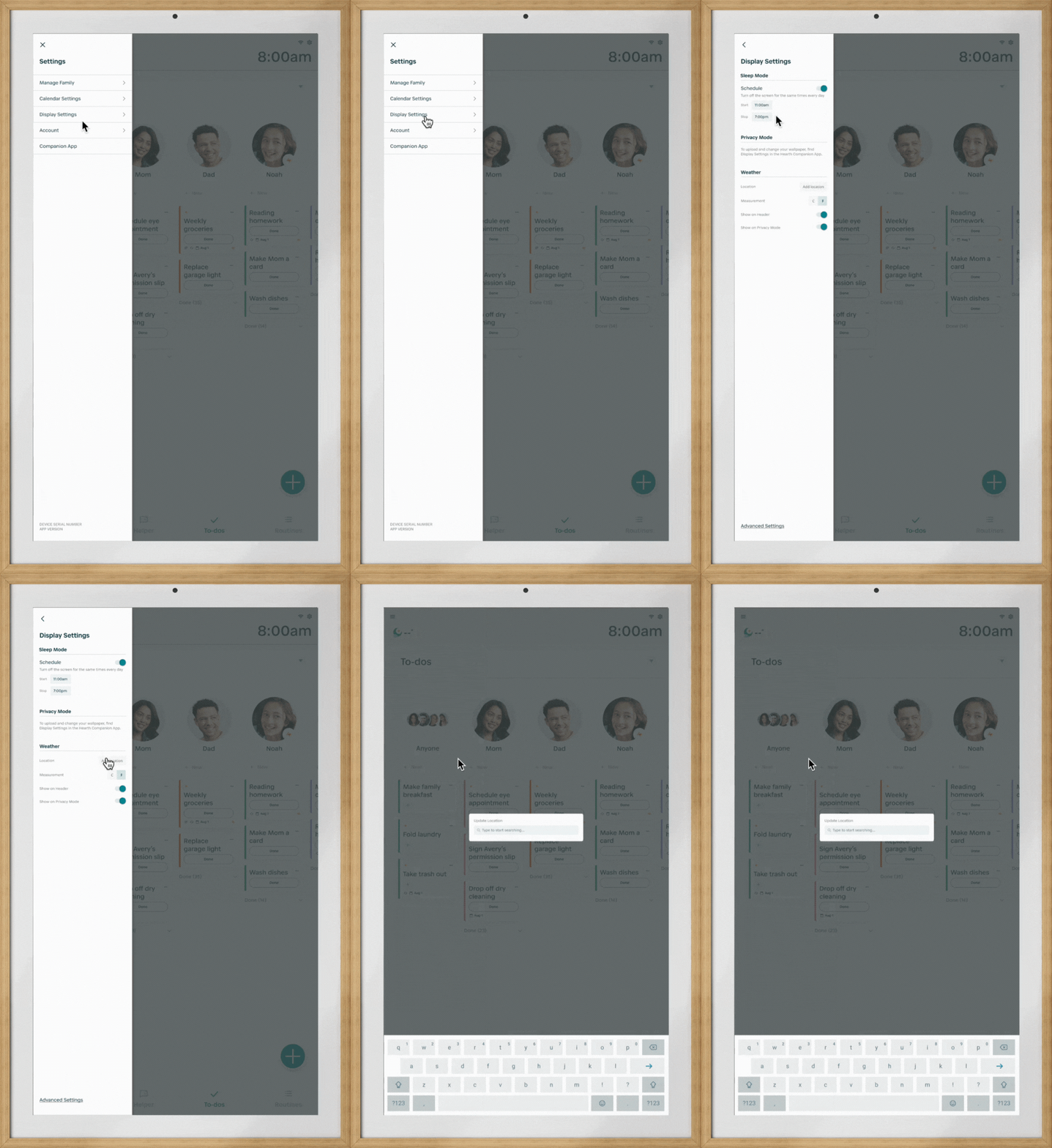
Q: How can I see the 7-day weather forecast on my Hearth Display?
Once your location has been added to your Hearth Display to ensure the most accurate weather, simply tap on the weather widget on the top left-hand side of your Hearth Display, and the 7-day high and low forecast will appear.