Q: How do I set my Privacy Mode wallpaper to display automatically?
To set up Privacy Mode Timeout, tap on the small Menu icon on the top left-hand side of your Hearth Display. From here, select “Display Settings”, where you can schedule your wallpaper to appear after several minutes of inactivity under “Privacy Mode”.
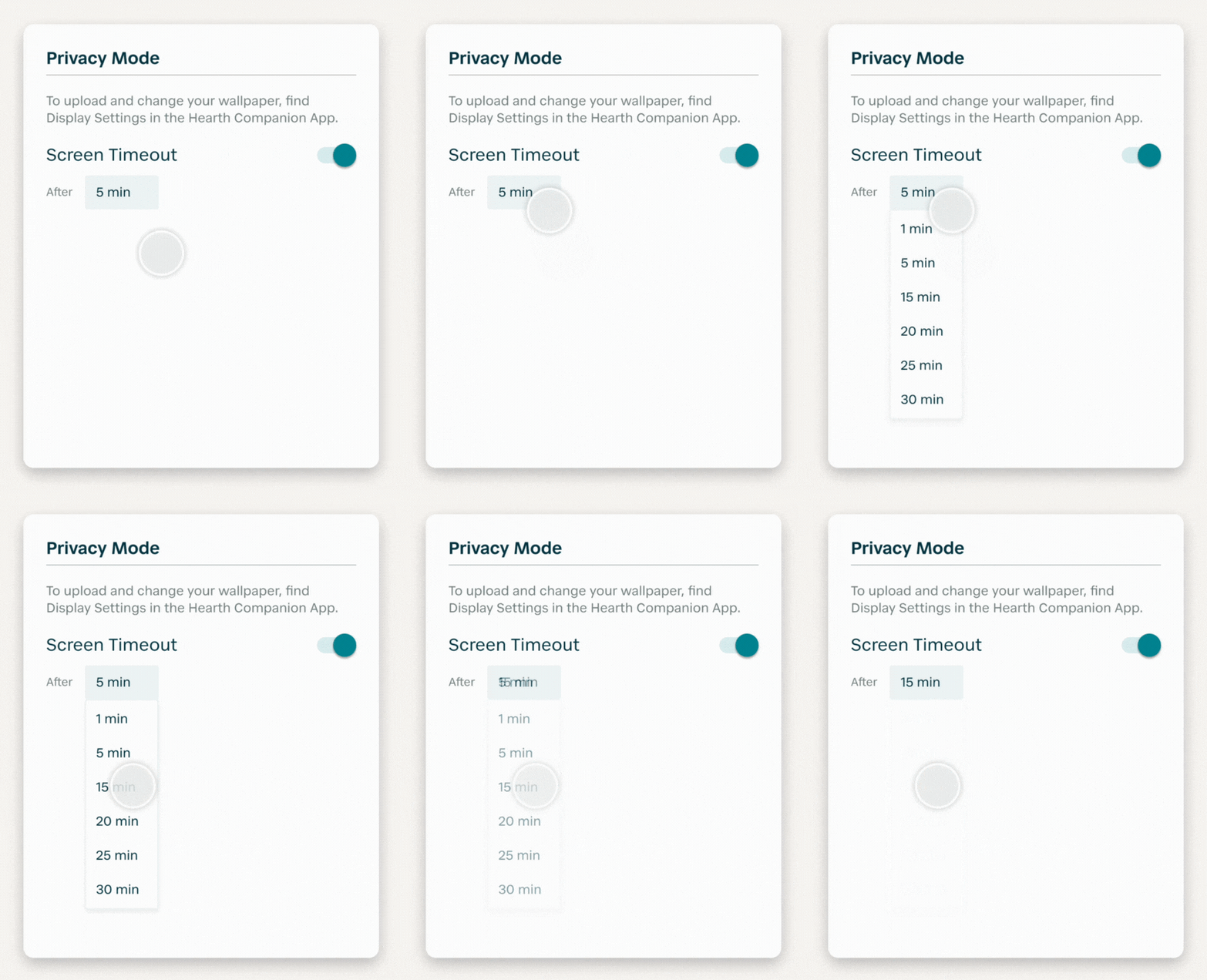
To customize your Privacy Mode wallpaper, you can upload a custom image from the Hearth Companion App. For more information, visit our Privacy Mode FAQs here.