Q: Why can’t I see my Outlook Calendar on Hearth?
If your Outlook Calendar is already connected to your Hearth Calendar but is not appearing, please ensure that your Outlook Calendar is public.
-
From your desktop/laptop, head to outlook.live.com/calendar & Sign in.
-
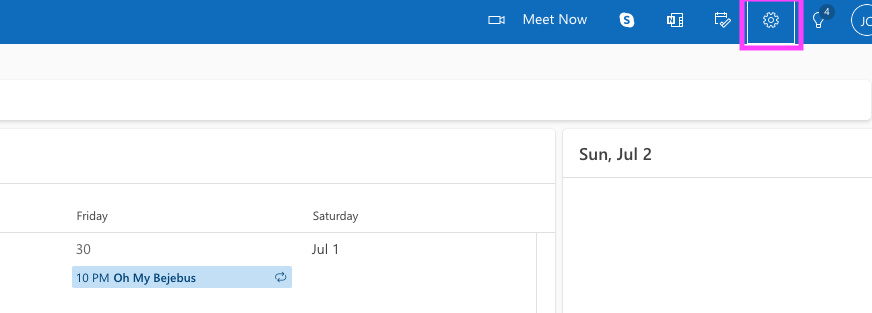
On the right-hand side of the screen, select the gear icon to access your Outlook settings.
-
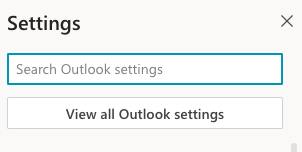
Click on “View all Outlook settings”
-
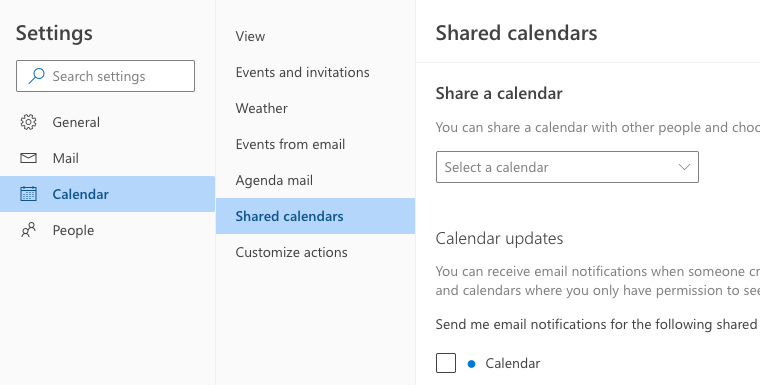
Next, select “Calendar”, and then “Shared calendars”.
-
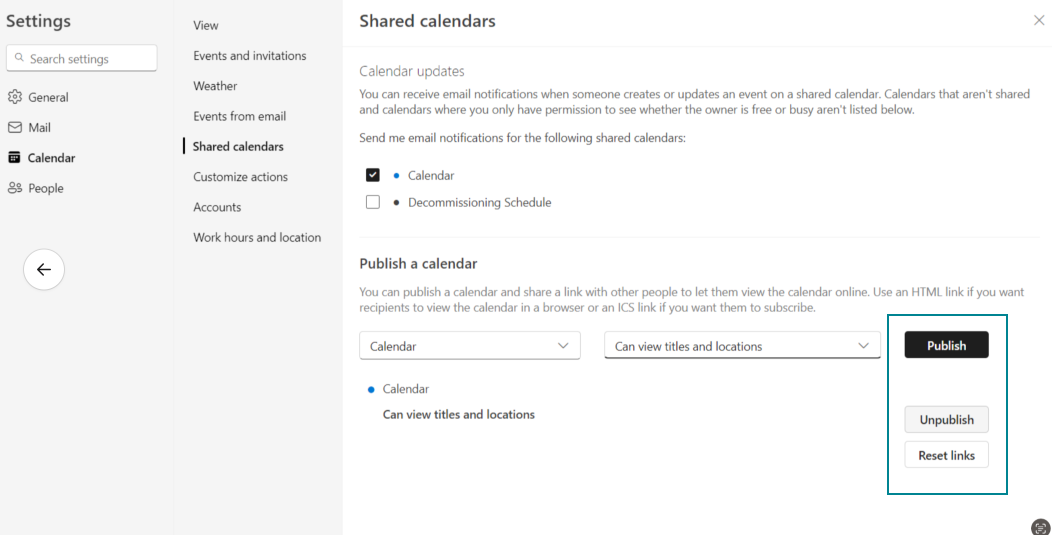
From here, under Publish a calendar, ensure the calendar you wish to view is published.
-
In some cases, Outlook may stop pushing updates to the Hearth calendar. Should this happen, please unpublish and republish the calendar to receive a new URL.
With Outlook some event changes may take up to 4 to 8 hours to sync and reflect on your Hearth calendar. Rest assured, any changes made to your events will appear on your Hearth calendar for your reference!