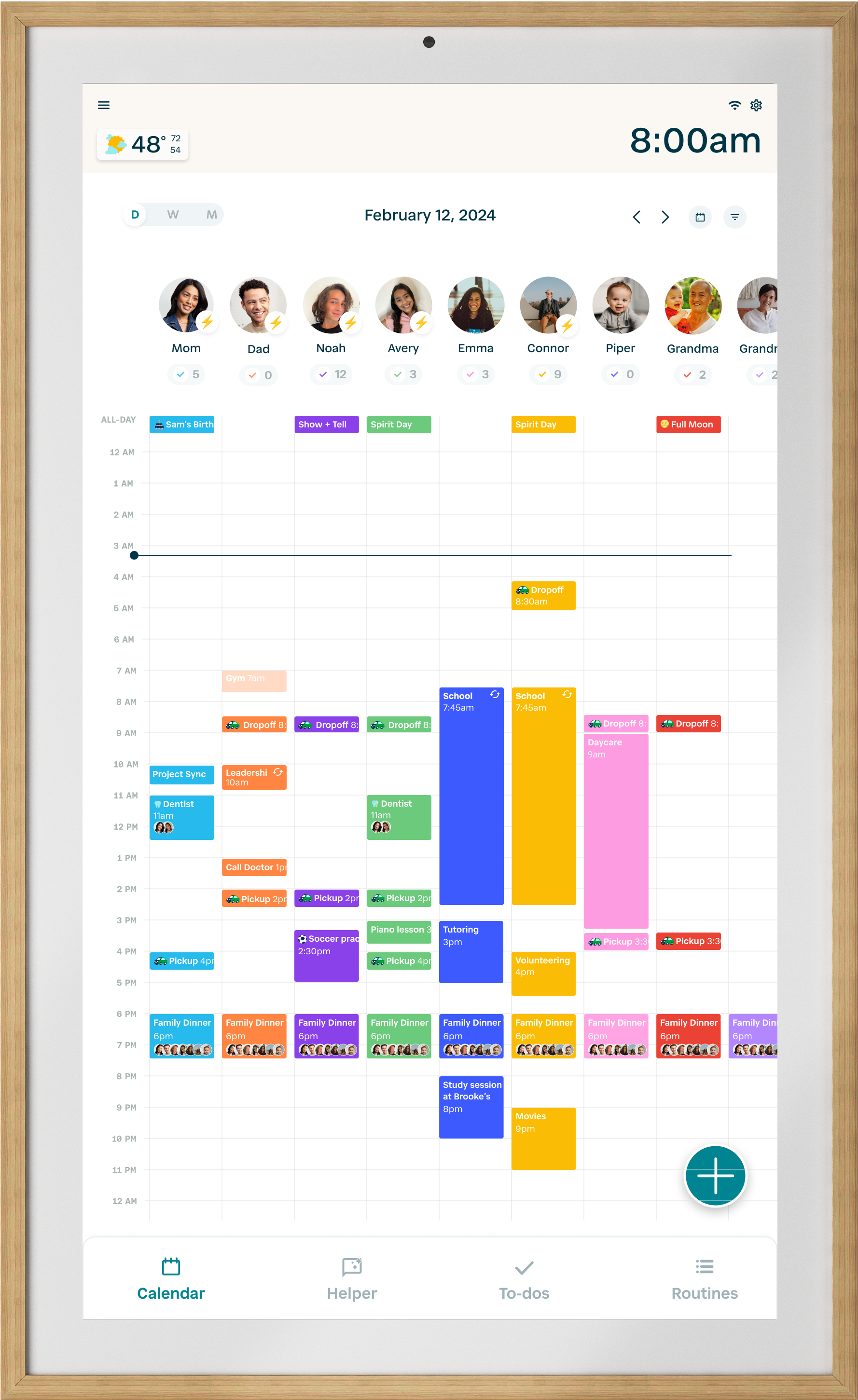
Q: How do I change the start date of the week?
To change the start date of the week, first tap on the three-lined menu icon on the top left of your Hearth Display to open the menu, then head to the Calendar Settings page.

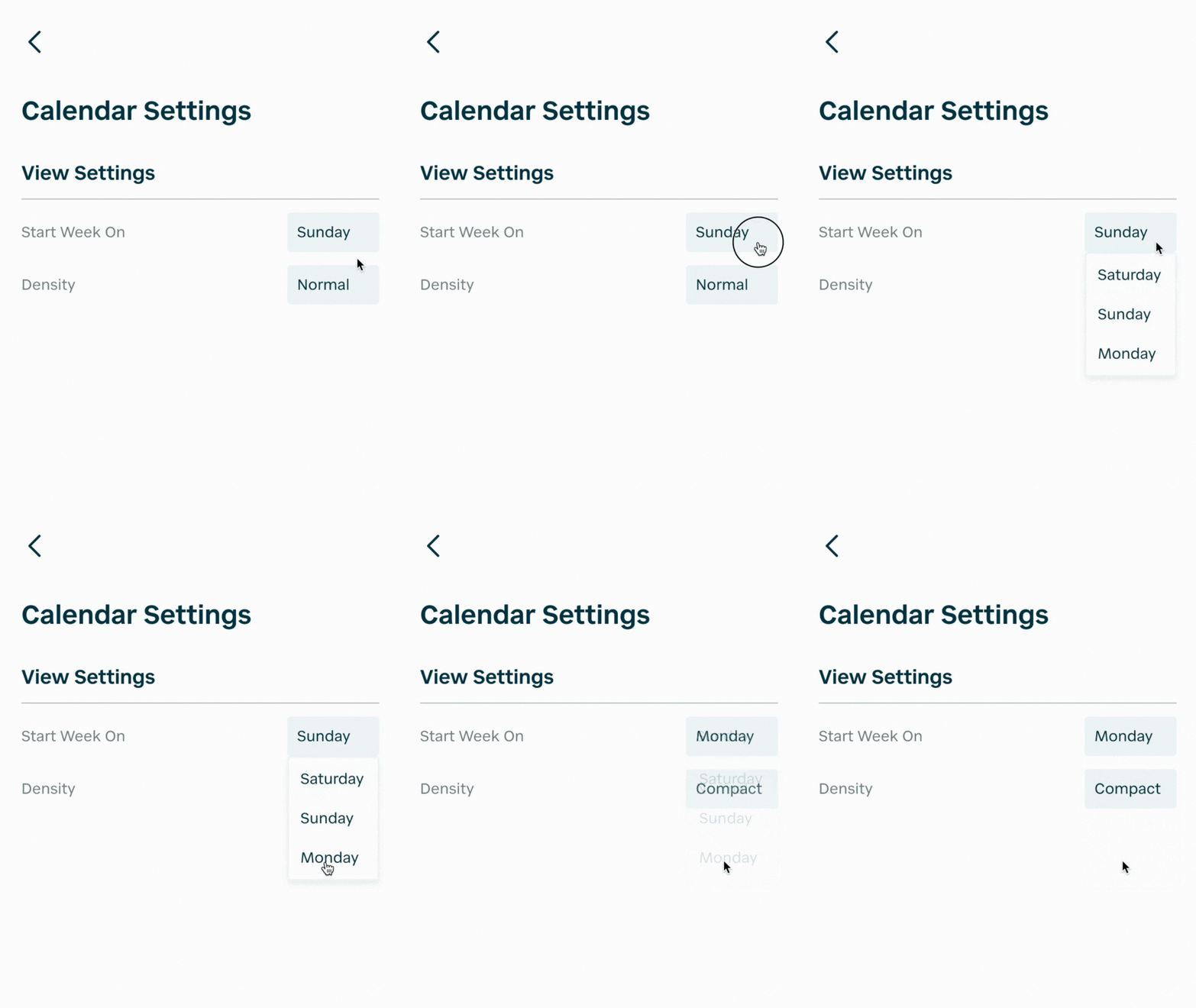
From here, tap on “Calendar Settings”. Next to “Start Week On”, change the start day of your week to be Saturday, Sunday, or Monday.
You'll see this reflected on your weekly and monthly calendar views!
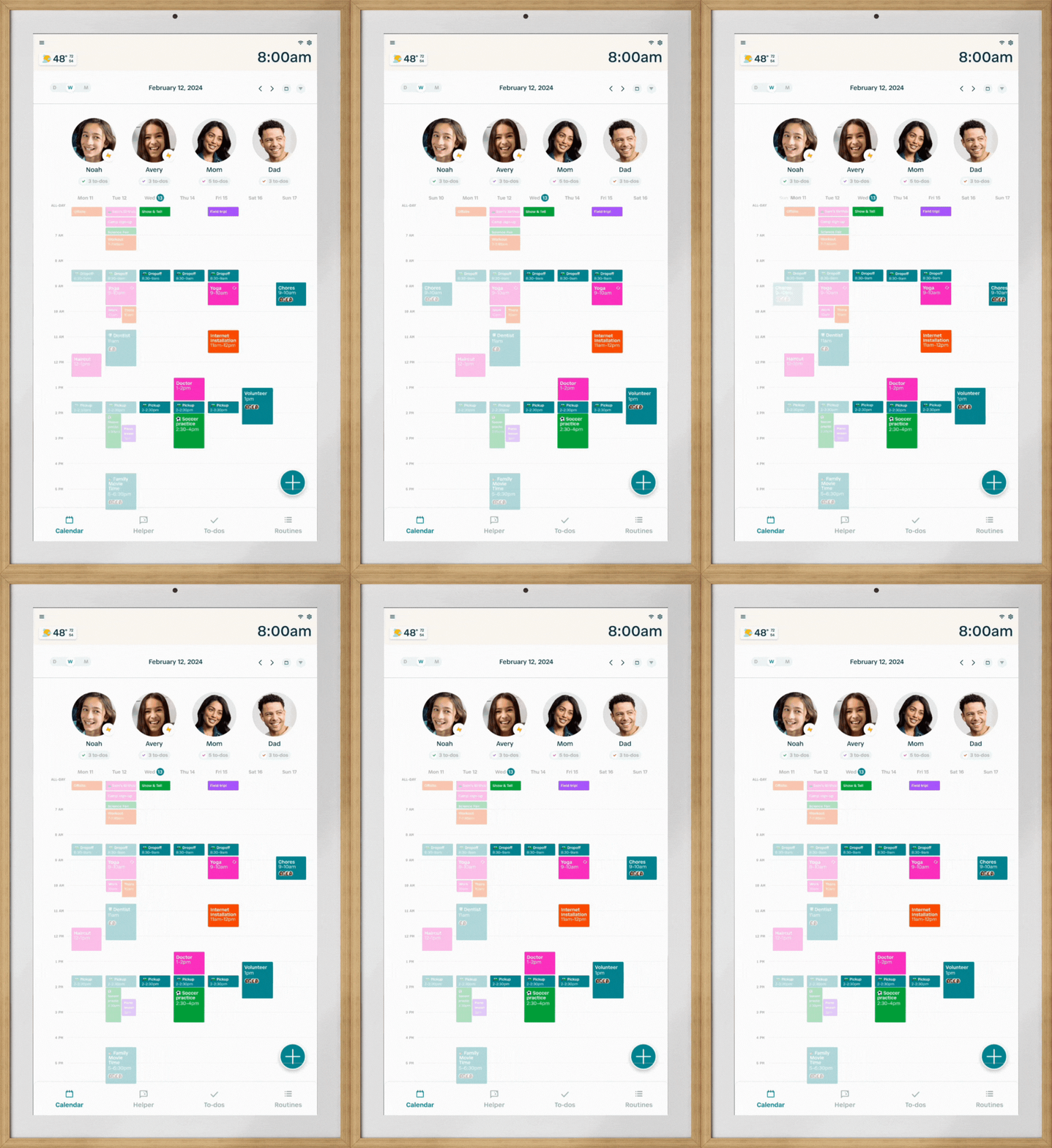
Q: How can I see all 24 hours of my day on one screen?
To view all 24 hours of the day on your calendar, go into the Calendar Settings page on your Hearth Display by first tapping into the menu on the top left side.

From here, tap on “Calendar Settings”. Next to “Density”, select the Compact option.
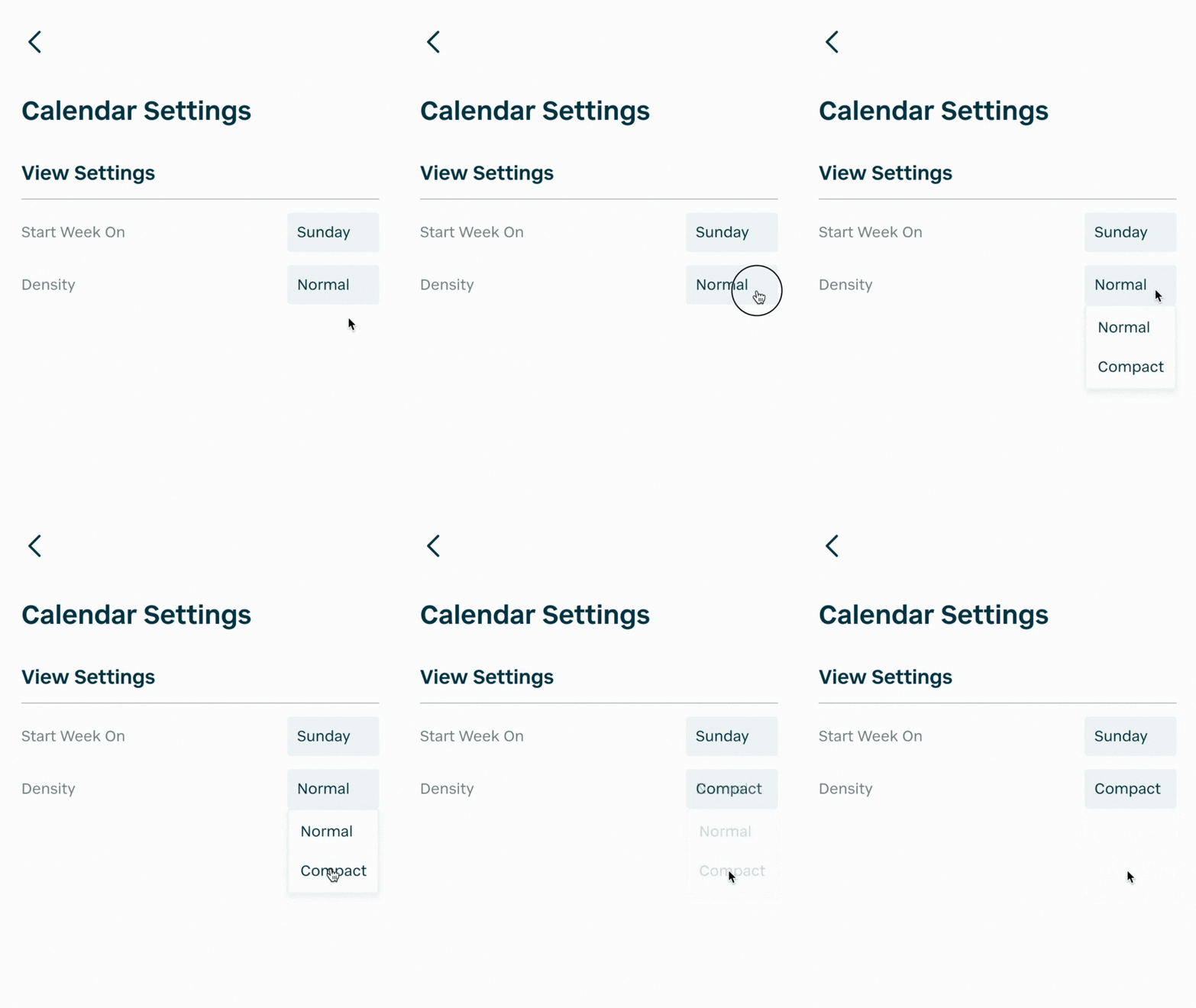
Compact view is available on both daily and weekly calendar views.